An unexpected appliance fault can turn an ordinary day into a frantic search for model numbers, receipts and a clear description of the problem. It’s frustrating, I know. To help engineers get repairs right first time, the difference between a quick fix and repeat visits often comes down to the details you note down.
This guide lists ten key pieces of information to gather, including model and serial numbers, location, purchase records, photos, error screens and technician notes. For each item, it explains why it matters, what to record and how that information can speed up troubleshooting, parts replacement and communication with suppliers or technicians.

1. Record the appliance model, serial number and exact location
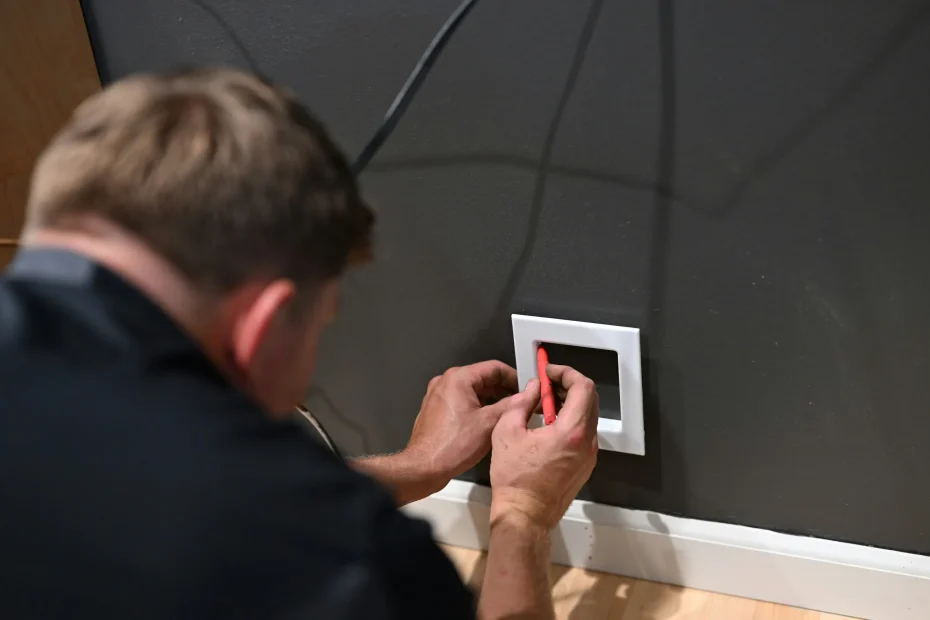
If you need to photograph and transcribe an appliance rating plate, this simple checklist will help you capture everything clearly. Take a close-up of the code and a wider shot that shows where the plate sits. Note whether the label is on a removable panel, tucked behind trim, or partly obscured. It can feel fiddly, so take your time and use your phone to save both photos and short notes.
Record the installation location and access details:
– Which room the appliance is in
– Whether the unit is built-in or freestanding
– Its orientation in relation to surrounding cabinetry
– Any access constraints such as narrow service gaps, blocked panels or restricted rear clearance
Capture electrical and fuel connection information:
– Photograph the plug or inlet and the cable entry point
– Note marked voltage and current ratings and any fuse or breaker identification
– Record gas inlet type or isolation valves where relevant
– Note any condensate or drain routes
These steps will make it easier to identify the appliance and troubleshoot access or connection issues later.
When you’re trying to diagnose a fault, be methodical and record anything that could affect symptoms or parts required. Note fitted options and interfaces such as venting route and termination, external controls, fitted filters or water softeners, and any added modules or smart interfaces. Take clear close-up photos of terminal markings and the connection area, and make a written note of any aftermarket modifications that might change diagnostics or replacement parts. Also photograph and record visible signs of previous work, for example service stickers, wiring or component part numbers, securing clips, handwritten labels, and any evidence of tampering or non-standard repairs. These concrete records help you link current symptoms to past interventions, confirm which components are original, and plan the correct access and parts for repair. Label and organise your photos and notes so you can refer back to them easily.

2. Gather purchase, registration and warranty details in one place
Note the model, serial number and product code, photograph the rating plate or sticker and write down exactly where it sits on the appliance. Photos and exact locations prove identity if labels fade or fall off. Scan and save proof of purchase — receipts, order confirmations and payment records — and keep those files with the appliance photos and the user manual for easy retrieval. Keep everything organised so you can quickly verify entitlement or confirm specifications, which usually speeds up diagnosis and getting support.
Keep clear records so you can check cover quickly.
Registration
– Screenshot confirmation pages and save them with the date you made them.
– Copy any reference or confirmation numbers.
– Note whether you registered online or by post.
Warranty terms
– Copy the clauses that explain what is covered.
– Make a list of stated exclusions.
– Note any maintenance actions required and flag anything that could void cover.
Service and repairs
– Keep invoices, technician notes and replacement part numbers together.
– Record whether each job was repaired under warranty or paid for privately.
– Use this history to demonstrate past work and spot recurring faults.
3. Record installation and service history to save time and stress
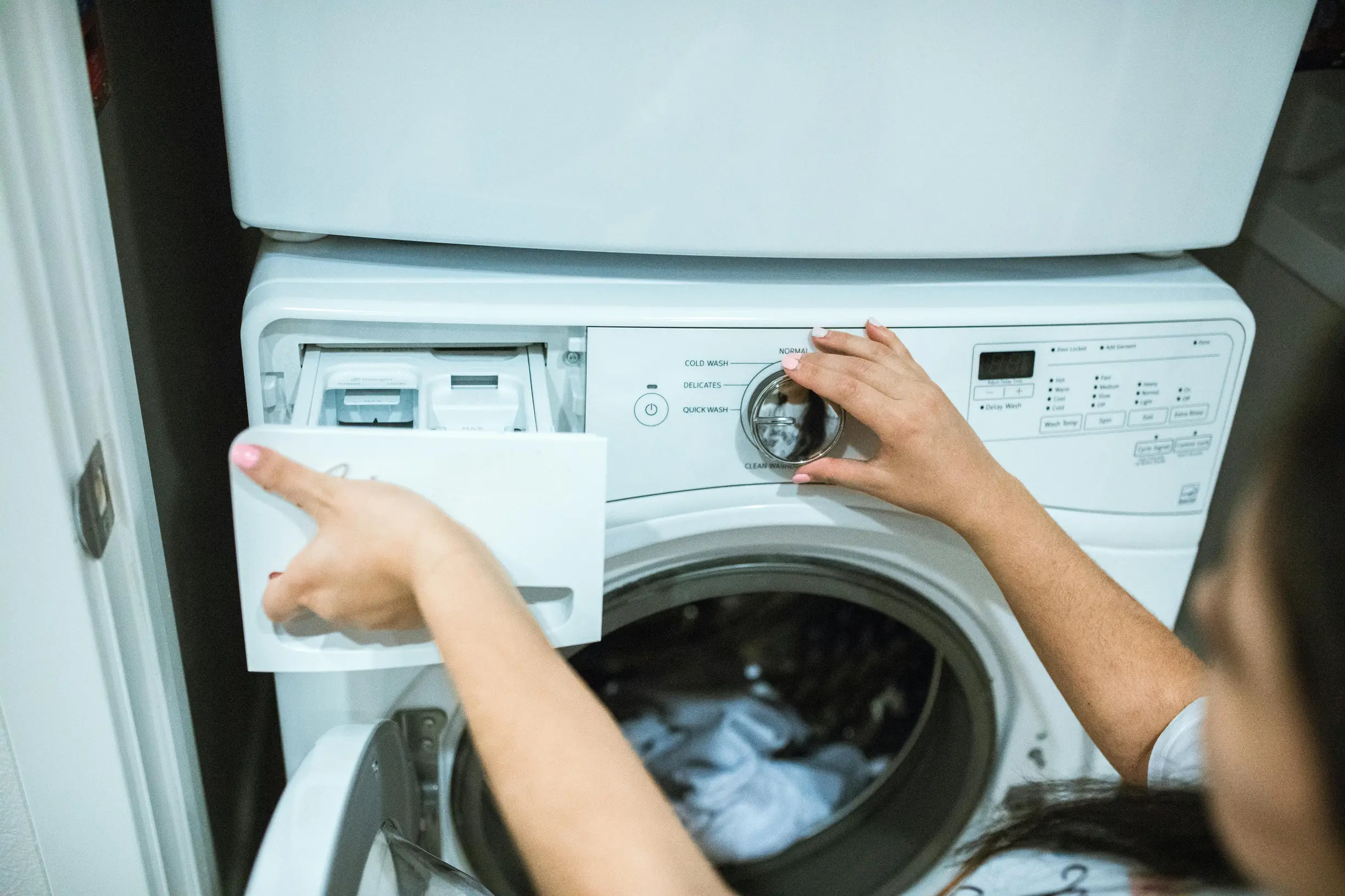
Always record the original installation details and any documentary evidence. Make a habit of noting and photographing the following:
– Model and serial numbers
– Appliance location and mounting orientation
– How electrical and plumbing connections are configured
– Clear photos of the rating plate and of wiring and pipe terminations
Keep a structured service log for every visit that records:
– Reported symptoms
– The diagnostic steps taken
– Objective test results and measurements
– Which components were inspected
– Parts replaced, with part numbers
– Actions performed during the visit
– Any recommended follow up
A clear, consistent record like this makes troubleshooting simpler, helps anyone who works on the appliance later, and gives you peace of mind.
Keep clear records whenever a technician or provider does work. Note the person’s name, company, contact details and any accreditation or licence references, and attach the technician’s signed service note or work order for accountability.
If anything is modified, upgraded or repaired in a non-standard way, describe what changed, who authorised it and why. Include before and after photos, labelled wiring or component diagrams, and any retained parts or part numbers so you can refer back later.
Store warranties, registration and compliance references together with supporting documents such as receipts, service confirmations and safety or compliance certificates. Having these organised makes eligibility checks and future troubleshooting much quicker and less stressful.
4. Describe the fault and list any observable symptoms
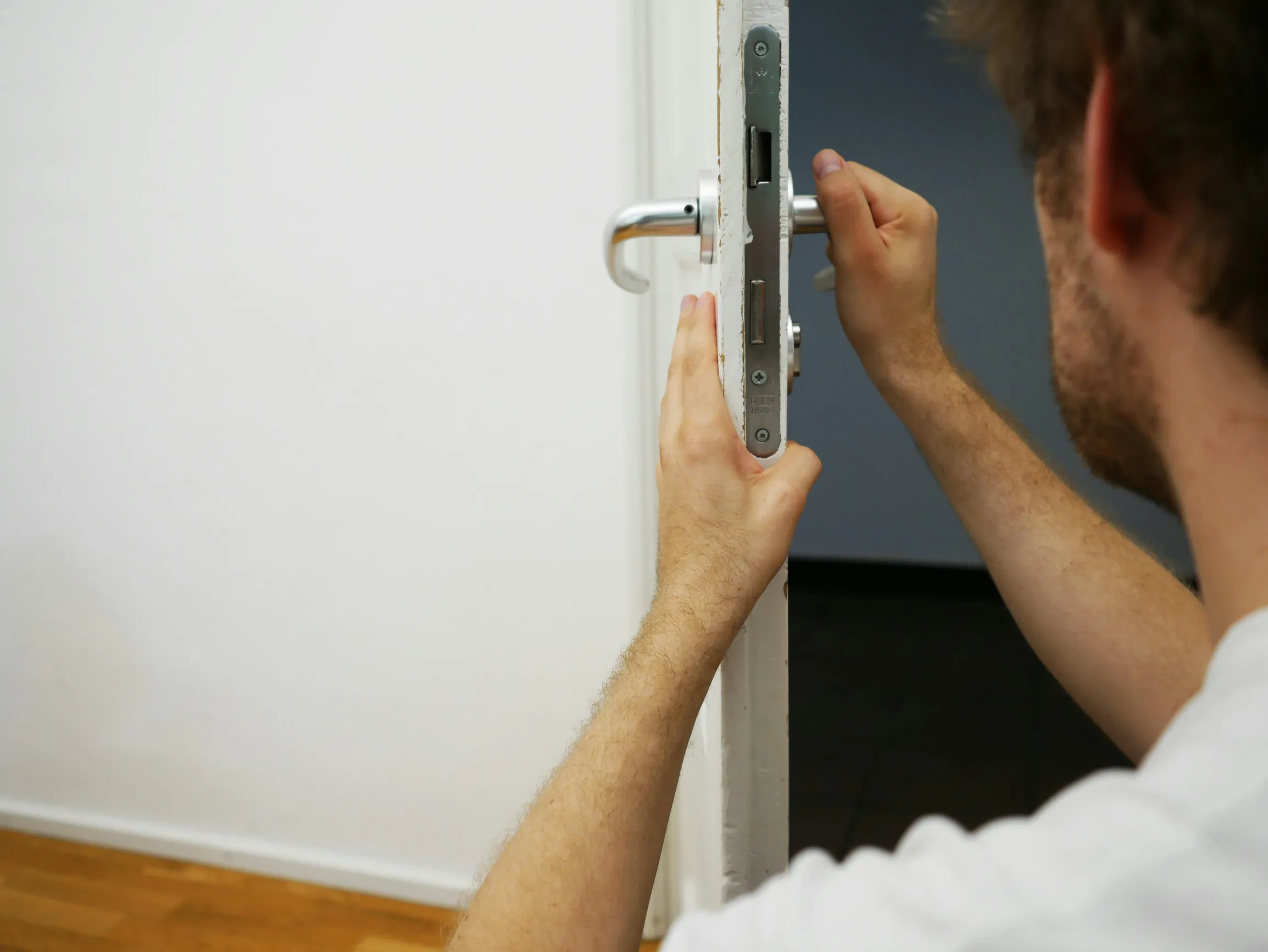
When reporting a fault, describe exactly what you observe in plain, neutral language. Note what the appliance does and what it does not do, and set out the sequence of events that leads to the fault. Say whether the problem happens every time, only sometimes, or only after certain user actions, and whether you can reproduce it reliably. Describe any sounds such as clicks, grinding or humming, and any visual signs such as leaks, sparks, smoke, scorch marks or unusual movement. If you can, take a short video or audio clip to capture symptoms that only appear briefly.
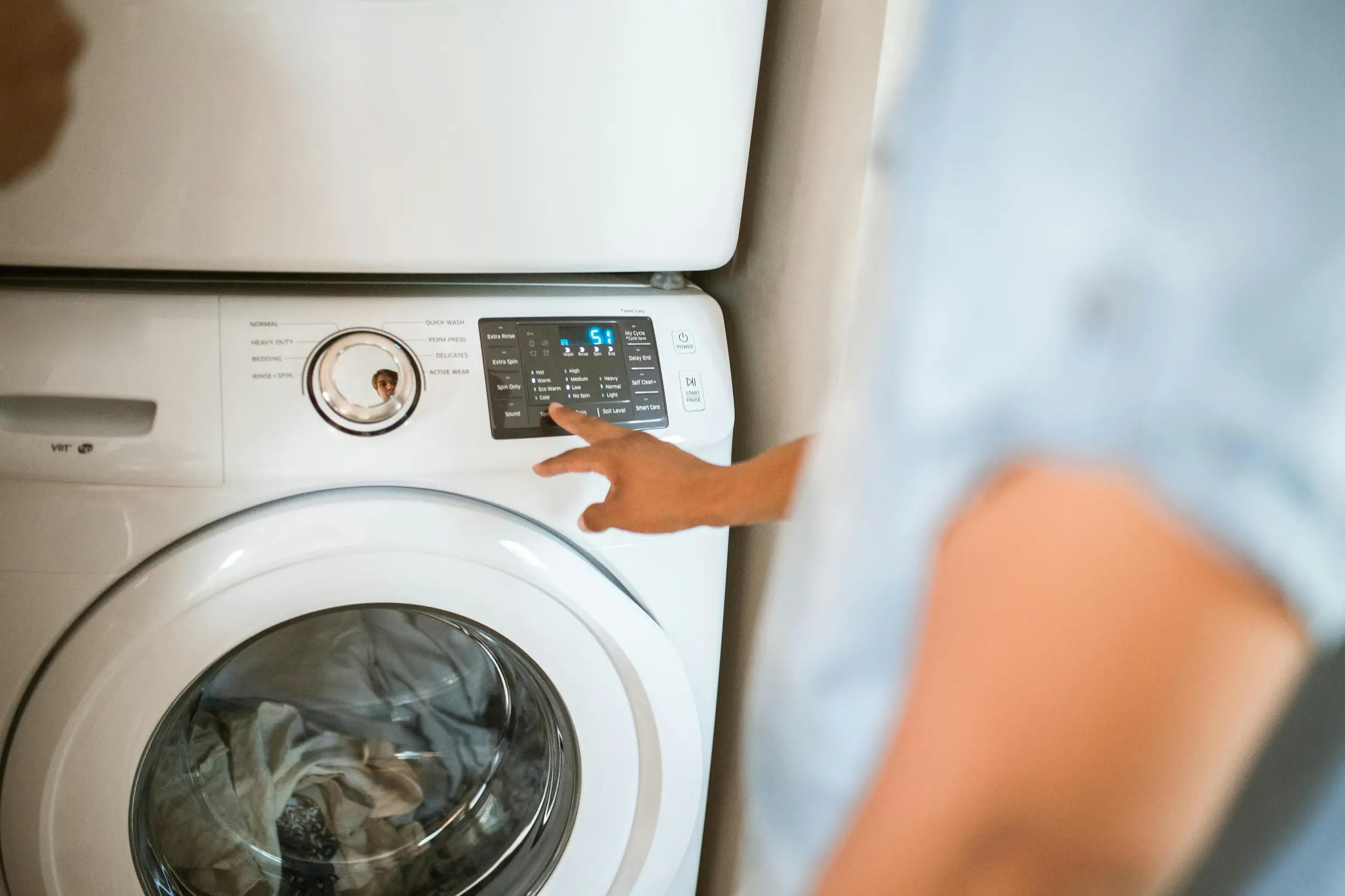
When an appliance shows a fault, clear notes make getting it fixed much easier. Copy any error codes or indicator patterns exactly. Record the displayed text, the LED colours, and the number and rhythm of any flashes. Photograph the control panel to avoid transcription errors.
Note the operating context and load. Which settings were in use, what type and quantity of contents were being processed, whether the door or lid was open or closed, and any supply conditions such as water flow or ventilation. Also record any recent installation or usage changes that match the fault.
Log immediate diagnostic observations from simple checks. Did resetting, unplugging, or cycling the power temporarily clear the fault? Did any breakers trip? Were there any unusual odours or heat? Note any basic measurements you took, and if you took none, state that clearly.
5. Track how often problems occur and their history
When you’re trying to work out what’s causing a recurring fault, keep things simple and methodical. Count how many uses happen between problems, for example load cycles, as this can show whether the issue is down to gradual wear, a particular way something is being used, or a one-off random event.
Write down the exact sequence that leads to the fault, including the settings used, the type of load and any actions taken immediately before and after it happens. If you can reproduce the same sequence each time, that usually points to an operational trigger. If the sequence is inconsistent, the cause is more likely to be intermittent or environmental.
Collect objective evidence you can share with a technician: short videos, audio clips, clear photos of any visible faults, and screenshots or photos of error codes or status lights. Name the files clearly and keep a brief log for each occurrence so whoever looks at it can match the evidence to the sequence of events. These simple steps make it much easier to identify the real cause rather than guessing.
If you’re logging recurring faults, note any contextual details that might be linked to them, such as load intensity, ventilation or installation conditions, and nearby equipment or power disturbances. Compare these notes with how often the fault happens to uncover environmental or usage patterns. Track trends by plotting occurrence frequency against number of uses, and watch whether severity gets worse over time. Keep a clear record of any troubleshooting steps you try and the outcomes, so you build a history of what has been attempted and what didn’t fix the issue. If you spot an increasing frequency, worsening severity, or repeated failed fixes, treat that as a sign to escalate and seek professional help.
6. Take photos and videos of faults or error messages
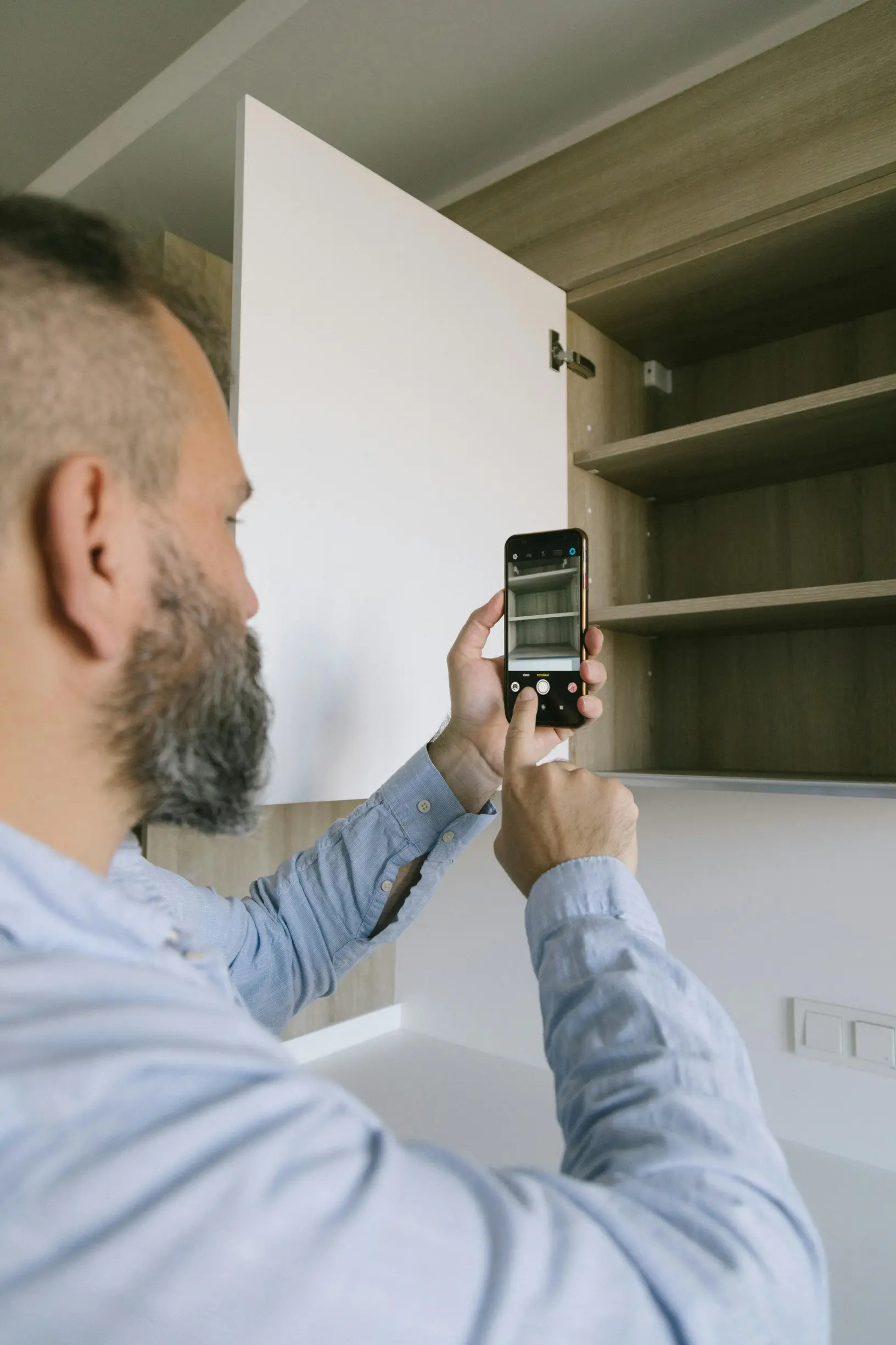
Take both context and detail shots. Photograph the appliance in its surroundings so someone can see power points, drainage and where it sits. Then take close-ups of the control panel, display and the serial or rating plate so the fault can be matched to the exact model.
Record short videos that show the fault happening. Start by showing the control settings, then capture the sequence of events and any audible clues. If the problem is intermittent, make several short clips to demonstrate how consistent or variable the behaviour is.
Photograph error codes and screens from multiple angles, using steady, controlled lighting to avoid glare. Include the whole control panel in at least one image so the code and the device state are visible together. A few clear photos and short videos will make diagnosis quicker and avoid unnecessary back-and-forth.
When reporting a fault, keep the original media and metadata intact. Use clear, descriptive filenames and a simple folder structure. Save an unedited archive copy so timestamps, resolution and other file data remain available to technicians.
Annotate each file with a brief caption and a few observations. Note anything you changed before recording, any smells, visible damage or signs of water, and any measurements you took.
Link each photo or video to the specific action that triggered the fault. Mark which clip reproduces any intermittent behaviour so others can follow the same sequence.
This mix of contextual images, step-by-step video, intact metadata and concise notes helps a reader or technician match the fault to the exact unit and understand how to recreate it, making troubleshooting quicker and less frustrating.
7. Record and organise troubleshooting steps and diagnostic results
If you need to record repairs or diagnostics, keep a numbered, chronological action log so someone else can replay the sequence exactly. For each entry, note clearly what was done, which tool and setting were used, and why the action was taken.
Record raw diagnostic readings too — voltage, current, resistance, temperatures and error codes — and always include units. Say exactly where probes contacted the system and the measurement conditions, for example no load or a particular cycle, and note the instrument range or accuracy so readers can judge how reliable the data is.
After each step describe what you observed and when you observed it. Record changes in noise, lights, movement or error behaviour and whether the symptom was repeatable. These details help distinguish real causes from coincidences and make troubleshooting far easier for the next person.
When you finish a diagnostic or repair, record the following so the next person can pick up the job without repeating work:
– Hypotheses and tests: Note each hypothesis, the specific test used to confirm or refute it, the exact test result, and a brief interpretation that states your confidence and recommends the next step.
– Parts and markings: List any components removed or replaced, record identifying numbers or markings, take labelled photographs of parts, and state where originals are stored for future verification.
– Safety and authorisation: Describe any isolation methods used for safety and record who authorised further work or access.
– Reassembly checks: Record the functional checks performed after reassembly and their outcomes.
– Follow-up and success criteria: Set out any monitoring or verification steps and the decision criteria for declaring the fault permanently fixed.
Keep entries clear and concise. A well‑documented job saves time, reduces guesswork and helps others carry on with confidence.
8. Record parts replaced, repair attempts and technician notes
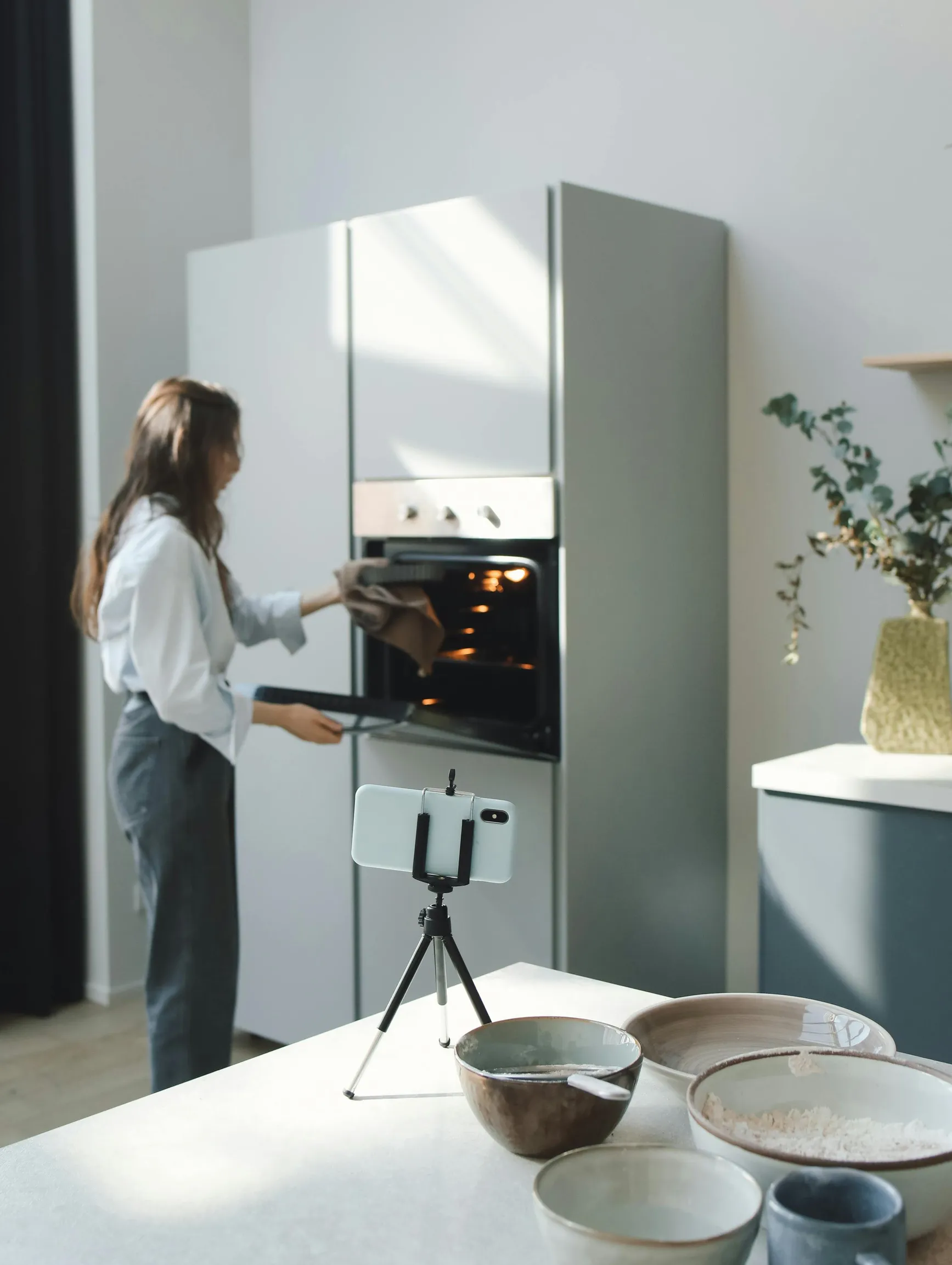
To avoid confusion, when you replace a component record the exact part name, part number or identifier and the serial number if present. Note the condition on removal and take clear photos to show the swap and prevent mix-ups. Keep diagnostic evidence with the swap record: list error codes, meter readings and test results, and note measurement values, test points and the instruments used so others can reproduce your findings. Add the technician initials for accountability and a short confidence note so later readers can judge the reliability of the recorded data.
When you document a repair, aim to make the next technician’s life simpler. Use this step-by-step sequence to capture what you did, why you did it and what still needs checking.
1. Initial assessment and safety checks
– Describe the fault and the symptoms you observed. Note any hazards and the safety precautions you put in place (for example isolating the supply, wearing insulating gloves).
– List the basic before readings you took (voltage, current, temperature, error codes or diagnostic logs). Record the tools used for this stage.
– State whether this initial step changed the fault in any way.
2. Tools, techniques and preparations
– Name every tool and technique you used (for example multimeter for continuity, inspection torch, torque driver, thermal camera, factory diagnostic software). Be specific so the same approach can be repeated.
– Note any software or setting checks you performed before making changes (for example reading error logs, checking configuration parameters). Record the exact setting values you found.
3. Disassembly and component handling
– List each action taken during disassembly, the tools used, and which components were exposed or removed.
– For every part removed, label whether it was reinstalled, set aside for further inspection, or discarded. Give the technical reason for that decision (for example visible overheating, failed insulation test, mechanical wear beyond tolerance).
– Take and attach clear photos where practical and label them to match the written notes.
4. Tests, interventions and interim results
– After each test or intervention, record the before-and-after readings so the impact is clear. Include numerical values and observable behaviour changes.
– If you changed software or settings, name the exact change, why you made it, and whether it affected the fault.
– If you applied temporary fixes, describe them, explain their limitations, and note any operational restrictions that apply while the temporary fix remains in place.
5. Repairs, replacements and verification
– Describe permanent repairs or parts replaced and the sources of replacement components if relevant. State the technical rationale for choosing a replacement over repair.
– After reassembly, record final verification checks and readings, and note whether the fault was cleared or remains partially present.
6. Safety cautions and restrictions for future use
– List any safety cautions that affect future operation or diagnostics, for example parts that must not be powered with covers removed, or components requiring special handling.
– Note any changes that limit routine use or require supervision until a permanent fix is completed.
7. Handover notes and recommended follow-up
– Finish with clear follow-up checks to monitor performance (what to watch for, which readings to repeat and how often). Suggest the next technical steps if the fault persists or recurs.
– Include who performed the work, contact details for queries, and reference to any photos or labelled parts. This preserves continuity for whoever inspects the appliance next.
Keep entries concise, factual and well labelled so the sequence of actions, the tools and techniques used, and the measured impact are obvious at a glance.

9. Keep communications, quotes and reference numbers organised and accessible
When you’re dealing with repairs or warranty claims, a clear paper trail can save time and hassle. For every conversation, record the contact name, their role, how you got in touch and a short summary of what was said. Note any technician or reference ID so each entry links directly to the appliance model and fault code.
Keep every written quote and estimate in one organised folder. Photograph paper documents, download any PDFs and give each file a clear name that includes the supplier and the quote reference. That makes it easy to compare scope, parts covered, labour and warranty terms.
Store job IDs, ticket numbers and receipts alongside the matching fault description and serial number so suppliers and warranty teams can retrieve the correct history without unnecessary back-and-forth.
When you have a repair done, try to get written confirmation of what was agreed, for example which parts will be ordered, who will carry out the work and the expected follow-up. Save any confirmations, texts or emails so you have a traceable record. Photograph fitted parts, their labels and the condition of the appliance after the repair, and store those images alongside the job reference and serial number. Keep receipts, warranty details, part numbers and supplier contact information together so you can match what was supplied to what was fitted. These combined records give clear evidence for warranty claims, help resolve any disputes and make later support calls quicker and easier.

10. State the resolution you want and include proof of ownership
To help your request move along without unnecessary back-and-forth, start by saying the outcome you want and listing acceptable alternatives in order of preference. For example: repair, replacement, refund or disposal. Be clear whether a parts-only repair is acceptable or if you require a full unit replacement.
Then attach proof of ownership. Helpful items include a clear photo of the model or serial plate, the original invoice or sales confirmation, and screenshots of purchase records or account pages. Remember to redact any personal financial details before sending.
Label each file with the serial number or invoice number so everything is easy to match. Also include a wider photo showing the appliance in its setting plus close-up shots of the fault. These details help reviewers verify the paperwork matches the unit and speed up the process.
Provide the name and contact details of the person authorised to approve work. Say whether technicians are allowed to fit third-party parts or to dispose of the unit, and include any practical access instructions or restrictions for the site.
Attach warranty and insurance documents and add a concise service history listing previous repairs and diagnostic reports. Flag any risks from connected appliances, such as risks to personal data or security, so technicians can take the right precautions.
Link all documents to the fault file and give each item a clear, descriptive name so reviewers can quickly check ownership, history and authorisation at a glance.
Keeping neat, organised records makes an appliance problem much easier to sort. Jot down the model and where the appliance is, describe the symptoms and keep a short service history. Take clear photos and note exact serial numbers and any error codes, plus a brief log of what happened and when. That straightforward record helps repair engineers pinpoint the cause, find the right parts and confirm the fix.
Treat each of the ten headings like a practical checklist: gather evidence, note the context and log every test so the information builds into reliable insight. Making this a habit helps you diagnose faults faster, supports warranty or supplier claims and means you can be confident the next service call will sort the problem.